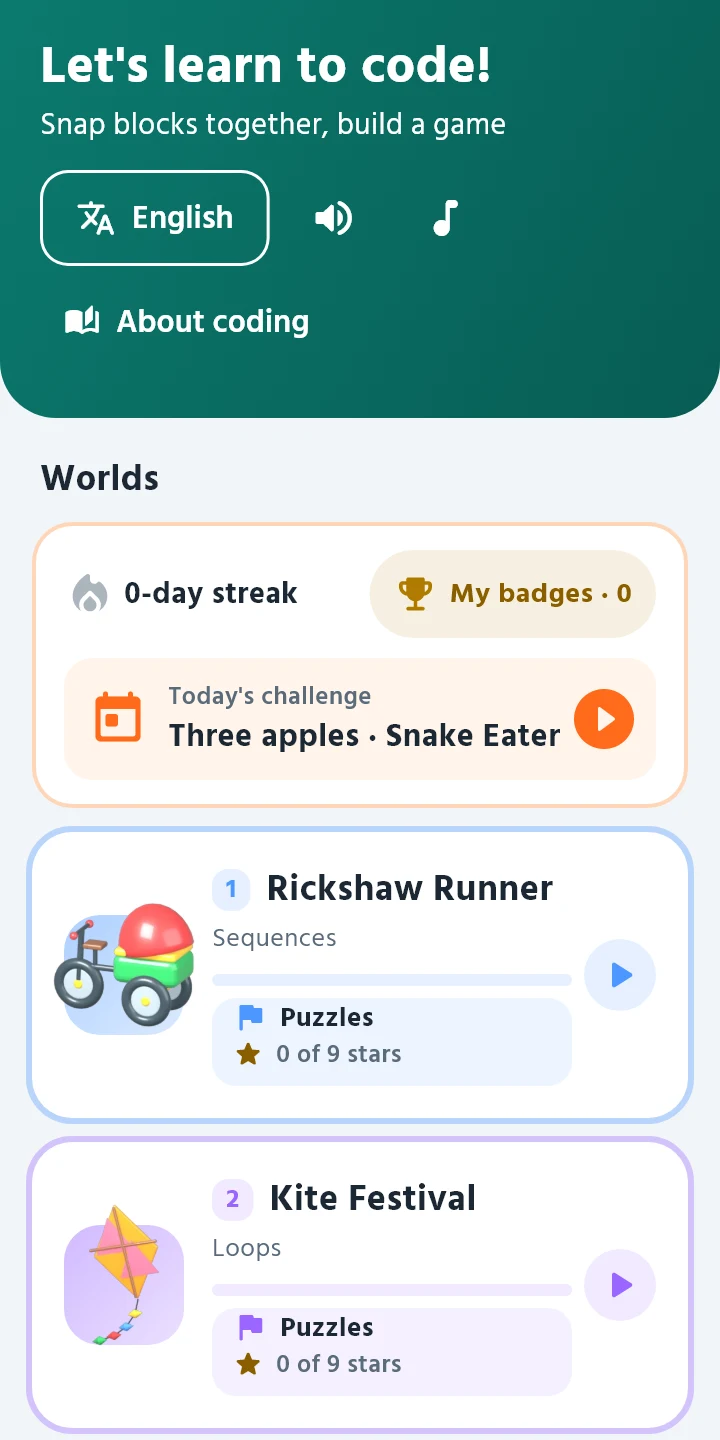
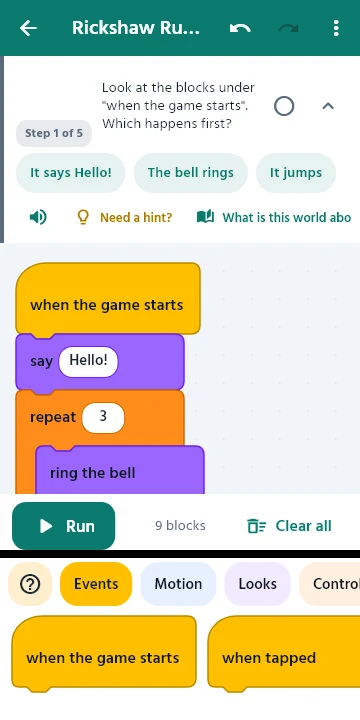
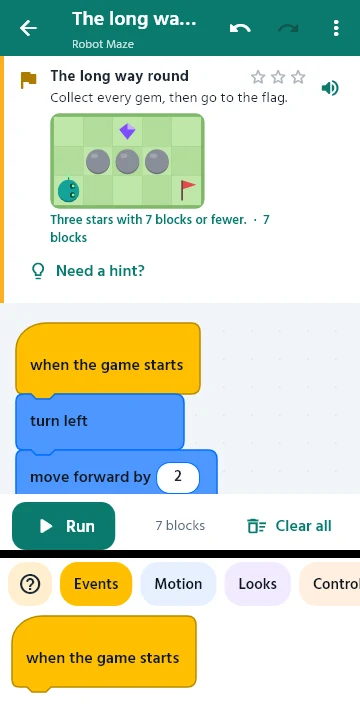
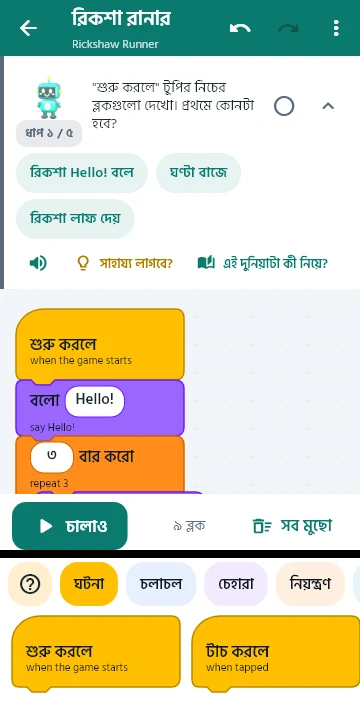
Little Coder is a block coding app for children aged 7 to 13. Kids snap blocks together to drive a rickshaw, fly a kite or guide Bit the robot through a maze. Every block shows the real Python line it stands for.
Coming soon on Google PlayFree. No ads. No account. Works without internet.
Bangla, English, Hindi, Chinese and Arabic. Switch any time. The English name stays under each block, so kids pick up the words programmers use.
A child who cannot read well yet can still follow along. Every instruction is shown and spoken in the chosen language.
Nothing to download after install. The app has no internet permission at all, so it works the same on a bus, in a village or on a phone with no data pack.
Blocks turn into Python and Python turns back into blocks. With a grown-up's OK, older kids can type the code themselves and see their mistakes explained line by line.
Rickshaw Runner, Kite Festival, Cricket Batsman, Mango Collector, Hungry Fish, Snake and a Jungle Monkey. Plus a calculator and a counter app they build themselves.
Every lesson step has a hint. Every puzzle has three: an idea, the first blocks, and finally a working answer they can run and study.
There are 11 guided lessons, 53 puzzles with stars, 12 short "What is a loop?" style cards, 9 Computer basics cards, a daily challenge and badges to collect.
Quizzes to check what they know. Seven practice quizzes (42 questions) ask children to read real Python and say what it prints, tap the loop or the line with the mistake, and put lines in order to build a working program. A 15-question final quiz at the end of the course gives a score and a pass mark, and parents see every result in the progress report.


Ages 7 to 13. A seven year old can start with the short instructions and read-aloud. A twelve year old can move on to typing Python.
No. There are no ads and nothing to buy.
No account, no email, no sign in. The Android app does not even ask for internet access. Progress stays on the phone.
Yes. Open the grown-up area (it asks a quick multiplication question first) for a progress report: lessons, levels, stars and ideas learned, world by world.
Read-aloud uses your phone's own text-to-speech. Open your phone settings, search for "Text-to-speech", and install the voice data for your language. See the help page for steps.